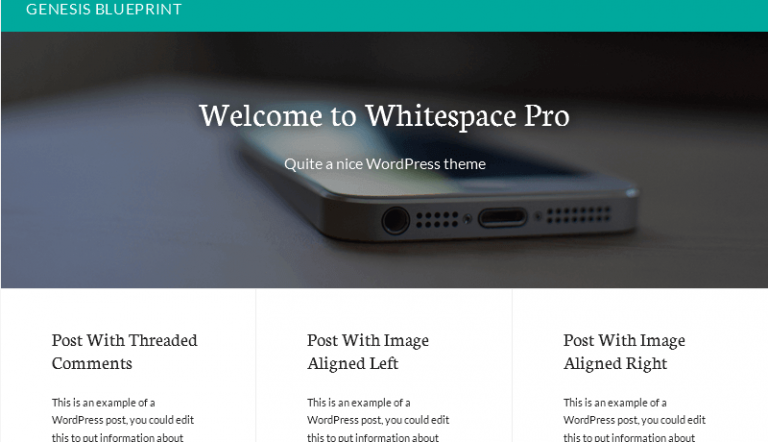
Removing the post info from the Whitespace Pro front page
In a recent post I showed how to remove the post info from all posts and archive pages in Whitespace Pro.
I received the question how to remove the post info only from the front page.
In principal, you would need a pretty straight-forward if-statement to target only the front page of Whitespace Pro.
But yet again, Whitespace Pro has a little surprise in stock for us.
Remember, you have to use the priority of 7 in your function.
(The reason is explained in my previous post.)
The following function should do the trick and remove the post info from the front page:
<?php
//Don't include the opening php tag.


// Remove Post Info, from Whitespace Pro Front Page
function whitespace_remove_post_meta() {
    if (is_front_page()) {
        remove_action( 'genesis_entry_header', 'genesis_post_info', 7 );
        }
}
add_action ( 'genesis_entry_header', 'whitespace_remove_post_meta' );
Unfortunately, the result looks like this:

For some reason, using the function on the genesis_entry_header hook does not remove the post info on the first post.
The solution that worked for me, was to use the function in an earlier hook.
<?php
//Don't include the opening php tag.


// Remove Post Info, from Whitespace Pro Front Page
function whitespace_remove_post_meta() {
    if (is_front_page()) {
        remove_action( 'genesis_entry_header', 'genesis_post_info', 7 );
        }
}
add_action ( 'genesis_before_entry', 'whitespace_remove_post_meta' );
As you can see below, that completely removed the post info on the front page.