Remove the featured image from the homepage of Smart Passive Income Pro
Studiopress just released a new child theme for the Genesis Framework, called Smart Passive Income Pro.

It is a collaboration with Pat Flynn and based on his old website design.
Why write a tutorial on how to remove the featured image on the homepage of Smart Passive Income Pro when Studiopress provides a snippet to remove featured images?
Because the child theme already uses that snippet and then adds the featured image back in with a different priority:
//* Remove default Genesis featured image
remove_action( 'genesis_entry_content', 'genesis_do_post_image', 8 );
add_action( 'genesis_entry_content', 'genesis_do_post_image', 1 );
Smart Passive Income Pro has a select box in the Customizer to show or not show the featured image:

But this does not affect the homepage (showing latest posts).

If you want to remove the featured image on the homepage of Smart Passive Income Pro, you can adjust the existing code:
//* Remove default Genesis featured image
remove_action( 'genesis_entry_content', 'genesis_do_post_image', 8 );
add_action( 'genesis_before_entry', 'ch_remove_featured_image_on_home_or_front_page');
function ch_remove_featured_image_on_home_or_front_page() {
    if ( is_home() || is_front_page() ) {
        return;
    }
        add_action( 'genesis_entry_content', 'genesis_do_post_image', 1 );
}
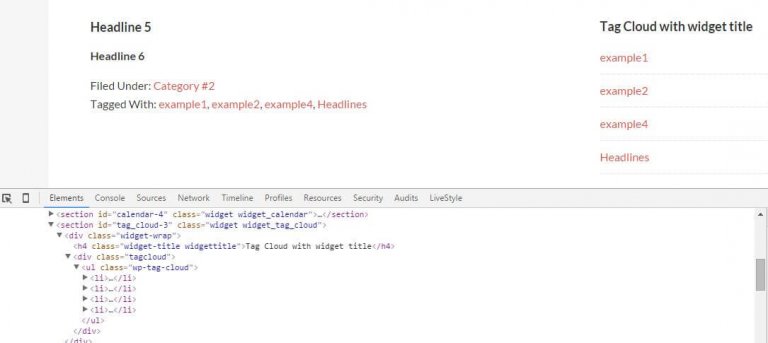
And the result is this:





Thank you this really helped a lot!
Hi Erica,
I´m glad the tutorial was helpful.
Thank you for letting me know!
Thanks it helped me to fix the issue!!!
This doesn’t do anything for me. Is the code specific to your child theme? Or, would newer Genesis updates since your post affect your code?
Hi Ari,
I just tried the snippet on a test site with the latest version of Smart Passive Income Pro and it works.
The snippet only removes the featured image, not images within the post content.